2026年1月19日
Updated Radar Station Functionality
Prepare for new missions outside your base!
作成者:
Kevin Kefgen

Your Radar Station is no longer just a defensive tool to let you know of inbound attacks, Killer. Thanks to the hard work of your Radar Staff and the Tech Crew, now, you can utilize this building in a whole new way, bringing you more riches and resources while battling the environment outside the gates of your Base.
Radar Station Update
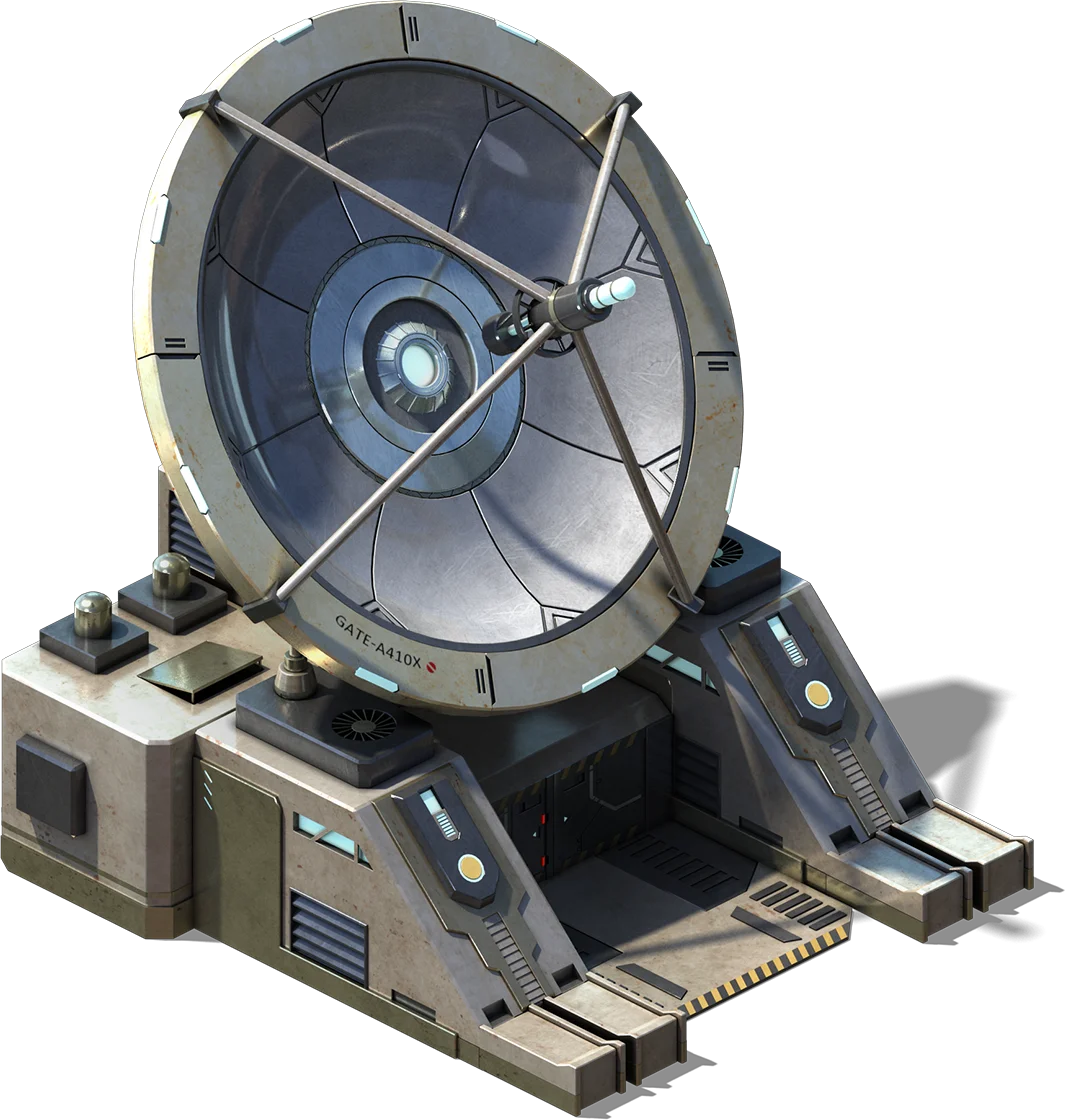 | Installed in your Radar Station is a new Radar Display, and it allows you to see past your immediate vicinity and detect multiple threats in the area. The Radar will provide you with Missions to dispatch these threats and receive rewards for doing so. |
| Upgrade your Radar Level to increase the number and rarity of the Missions that you are offered. Each time you complete a mission, you will be one step closer to increasing your Radar Level. The Countdown Timer lets you know when your Missions will refresh, giving you a new set of targets to go after. |  |
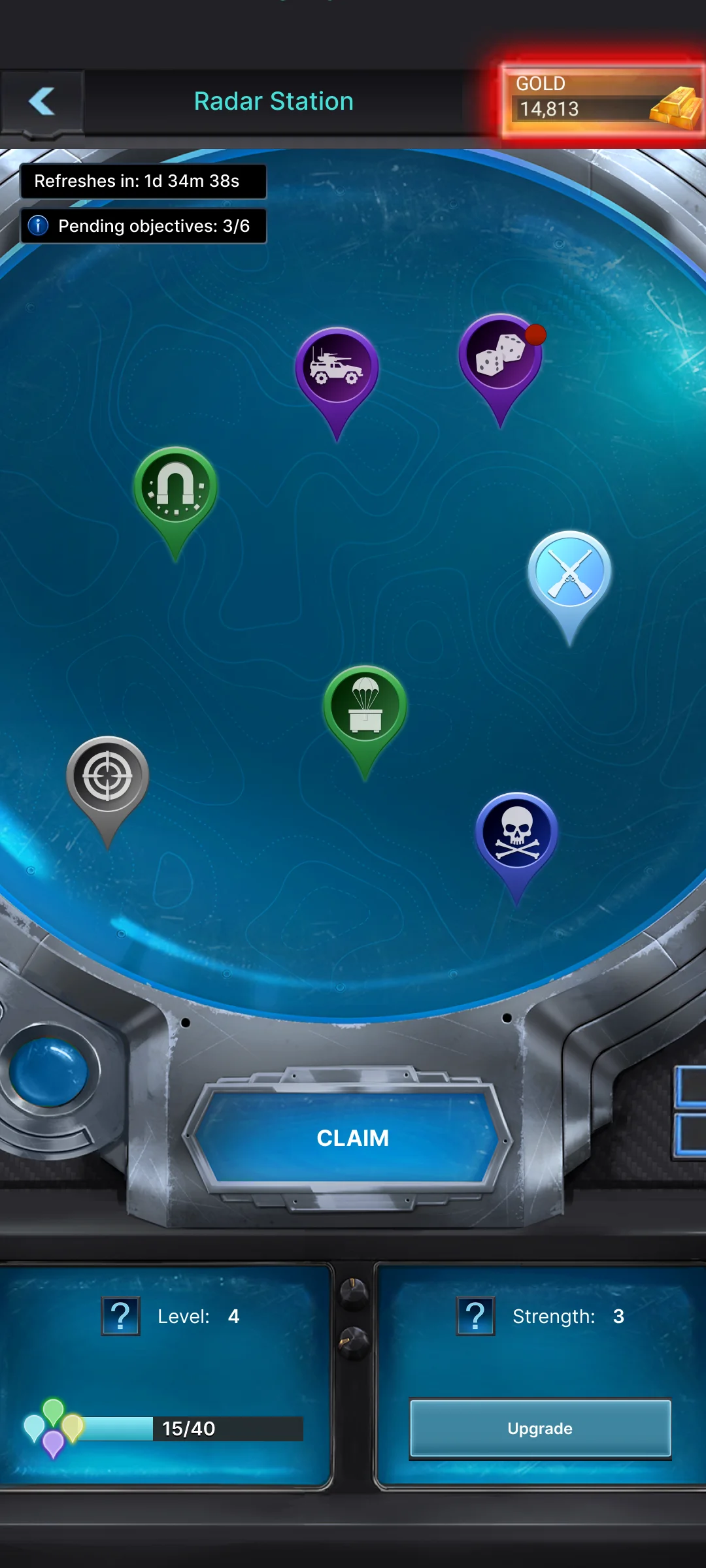
Just tap on the Mission Icon to learn more about that individual Mission, such as the Quality, Required Strength Level, Details, and Possible Rewards. Tapping the Go To button will take you directly to the Objective in the World Map, where you will choose your Attack Method. If you have an active VIP Status and the required level, you are given the option to create a Custom Attack, allowing you to select the number of times you can attack the Objective; otherwise, follow the instructions provided and make your move.
When you have completed your Mission, a red dot will show that the rewards for completion are ready to be claimed. You may claim your rewards one at a time by clicking on the completed Mission, or, if you have defeated more than one Objective, you may tap the Claim All button to harvest your bounty all at once. Make sure that you claim your rewards, as Missions that have unclaimed rewards won’t refresh until you’ve claimed them.